Wednesday, April 24, 2019

iPhone XS Benefits Features, CaseUp Mobile Phone Shop Cardiff

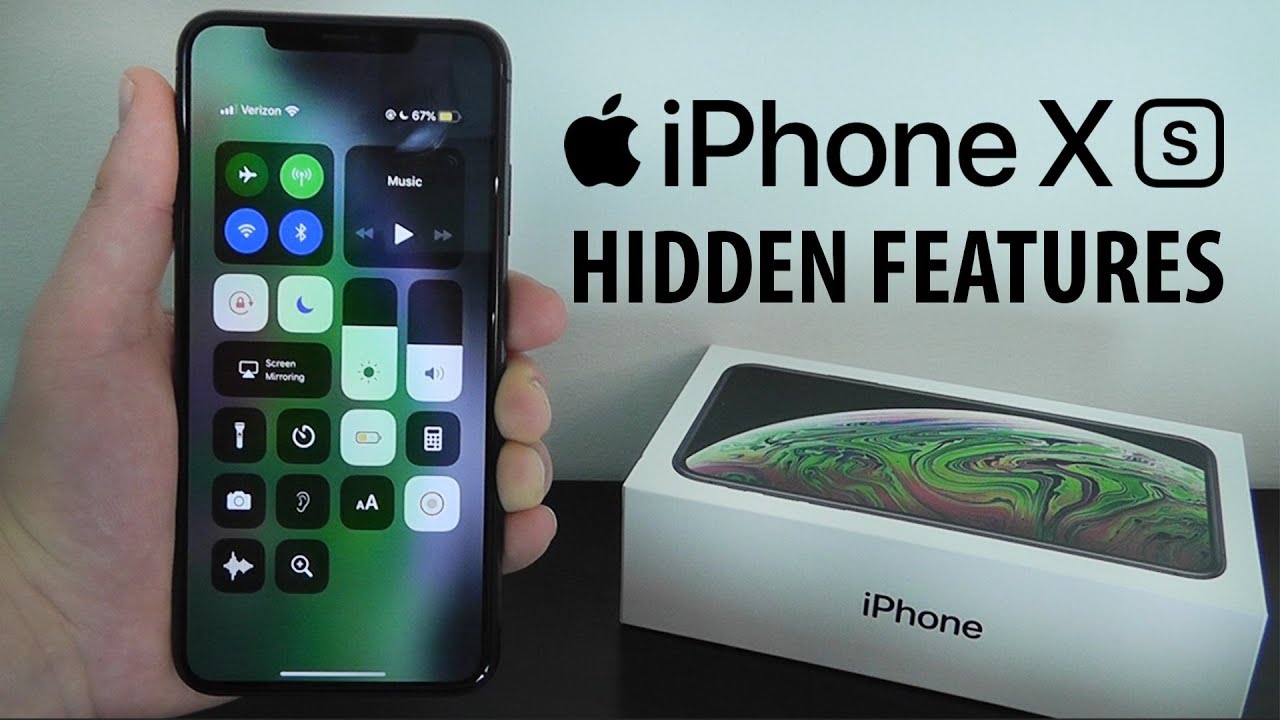
Image result for iphone xs features
After the successful launch of the iPhone X, apple launched iPhone XS on September 2018. It is an upgraded version of iPhone X with additional features and quality improvement, bugs fixes.
Let us go through the some unique features of the iPhone XS and then also learn some limitations about it.

iPhone XS Features:

  1. iOS(operating System) 12:

    This version of iOS provides more smooth and enjoyable user experience. It includes some unique features like Group notifications and Screen time. It means when you will check your iPhone XS after an hour or two your screen will be managed by the iOS in such a way that this system will automatically convert the notifications into groups.
Secondly, it will also give information on which application make up most of your time.
  1. Face recognition:

    Apple’s Face ID technology may not be as quick at unlocking your phone as a password or fingerprint scan in other smartphones, but meanwhile Apple claims the facial recognition features are quicker and more accurate than before. And it’s unbelievably secure and safe.
  2. 4 GB RAM:

    The iPhone XS has 4GB of LPDDR4 RAM, WOW. It is useful throughout the OS, yet especially when there are lots of web pages open or you constantly have to jump between active applications then at that time this feature provides you the best performance.
  3. Fast Wireless Charging:

    Instead of increasing the wattage supported by wireless charging, Apple has improved the technology of fast wireless charging they already have implemented in the previous releases of smartphones. Now in your phone too if you are an iPhone XS user.
The iPhone XS has tighter coils internally supporting quicker and more efficient wireless charging on existing 7.5W chargers. The best thing is that you don’t need to update the Qi charger.
  1. Improved Screen:

    While the resolution (2436 x 1125) and pixel density (458 pixels per inch) on the XS are like its previous version, there are more colors because of the enhancement of the dynamic range of its display in iPhone XS.
  2. Dual SIM:

    The Apple iPhone XS is a Dual-SIM smartphone that accepts Nano-SIM and e-SIM.
These are some features listed here but it also has improved camera, improved storage capacity, tougher glass case etc. for more stay connected.
For more information stay connected! Stay tuned!
Visit our website: https://case-up.co.uk/
WE CAN COME TO YOU!

Tuesday, April 16, 2019

iPhone Samsung Screen Protector CaseUp Mobile Phone Repair

Can you imagine yourself spending a day without your smartphone? Obviously no. But what is you drop your smartphone and its screen is broken with a blink of an eye. Which definitely means that your needs smartphone screen repairing. Which means you have to spend time without your precious IPhone or Samsung? Alas!
But no need to be worried because we are at your service and CaseUp Mobile Phone provides you the best mobile repairing service in the Cardiff Newport. Why we claim this? Because we have 100% guaranteed feedback and because our expert team can fix any issue regarding your smartphone in just 60 minutes or less. Yes! It is true.
But as the facility we can provide you, CaseUp cares for its customer. So in this article we are not just giving you the solution but also the precaution from breaking your screen.
So here is some information regarding IPhone & Samsung screen protectors. That will definitely help you.

What is meant by smartphone screen protector?

The smartphone screen protector is a thin foil, plastic or glass that covers the front of your phone and provides it with additional protection against scratches, blows, and punches. Depending on the material it is made of and quality of production, your Mobile Phone screen protector can have a different price range.
The screen protector is applied directly on the display of your phone, and it provides an additional protective layer. In order to apply it correctly you need to clean your display and to press the screen protector against it. Be careful I may repeat be careful and make sure to squeeze all air bubbles out because they can reduce the protective capacity of the screen protector.
The smartphone screen protector central role is to absorb scratches and punches instead of your display. In case it breaks, you will quickly replace it for a couple of bucks. Because you must be aware of the fact that replacing a screen protector would be much cheaper as compared you the new screen.
I hope this blog will be helpful for you. For more information stay connected! Stay tuned!
Visit our website: https://case-up.co.uk/
WE CAN COME TO YOU!

Monday, April 1, 2019

IPhone’s Remarkable Capabilities CaseUp

Well! As you all might have iPhone also known some of the many best qualities of your iPhone or you can call them simply as remarkable.
As CaseUp is a company which repairs mobile technology on a daily basis we possesses familiarity with many different makes and models of popular devices. Today, most of “smart” phones possess or even surpasses the capabilities of laptops. If you are owner of an Apple iPhone, the chances are very high that you’ll discover useful short cuts for accomplishing a variety of daily tasks.
Here are some techniques by means of which you’ll impress friends and family members, and possibly save time, as well:
  1. Uninstall Apps with Ease of access:

    To uninstall an app, just press it very lightly. It will quiver, an “x” will appear on the screen over its icon now if the app permits you to uninstall it however some apps won’t permit you to uninstall them easily. Tap the “x” to confirm the uninstallation.
  2. Move Apps effortlessly From place to another:

    To relocate an app on your iPhone device, repeat the operation described previously. However, instead of uninstalling, simply use your fingers to drag the quivering app to the location you prefer it to be. But consider you’ll only need to apply light pressure, and too heavy a touch may initiate a 3D touch program.
  3. Spare Your Batteries from ending quickly:

    If you fear the batteries cannot continue operating much longer then reportedly simply switching to the “Low Power” mode offers a great deal of help. This mode sometimes helps people avoid draining the batteries during an emergency situation!
  4. Avoid Receiving Calls at Inconvenient Times:

    The iPhone allows it owners to post a virtual “Do Not Disturb” message. This feature offers help to drivers. Well for this you can initiate the message from the mobile phone’s convenient Control Center.
  5. Answer your Phone Calls with an Automatic Message:

    To apply the “Auto-Answer Calls” feature, simply locate the Audio Routing screen from the Accessibility screen. You can reach the Accessibility feature by go to>>Settings and touching the General screen.
However, if you are facing any kind of problem regarding you iPhone, whether it is broken screenwater damagedaudio malfunction CaseUp is at your service with the best expert repairers.
We fix your phones, No matter what the problem.
www.case-up.co.uk
We Can Come To You!